Omnilux Controller
$15.00
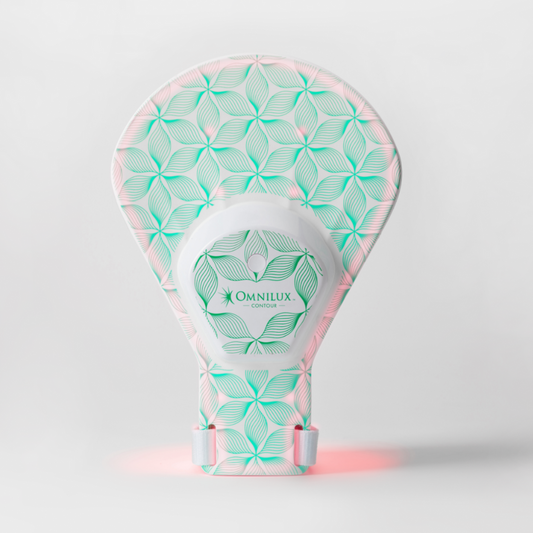
Replacement controller designed for compatible Omnilux LED devices. The controller powers and times your sessions for consistent LED exposure during each use.
-
Connect USB-A from your compatible Omnilux LED device to the controller.
-
Ensure the device is properly secured to the treatment area using the appropriate straps.
-
Press and hold the power button on the controller until LED lights illuminate to begin your 10-minute session.
-
The controller will automatically time the session and power off when the session is complete.
Safety Note: Use only with compatible Omnilux LED devices. Do not use if cable is frayed/damaged. Do not use controller outside of its intended use.